spectrIm-QMRS for Linux
3.0.4 alpha international. A self-contained desktop package for MRS and MRSI viewing, processing, simulation and fitting.
Alpha software: thoroughly tested, but bugs may remain. Please read the notes below before use.
New in 3.0.4 alpha: DICOM receiving and cleanup fixes, improved Siemens spectroscopy metadata, Linux HLSVDpro fixes and further workflow improvements. Read the full release notes.
Linux x64 release — 3.0.4 alpha
Download the complete TAR.GZ package (approximately 651 MiB). The Linux application was tested on Ubuntu 22.04 under WSLg. It requires an x86_64 Linux system with a working graphical session and the system libraries needed by the bundled Java/JavaFX runtime. It is not an ARM build, and other distributions may need additional system libraries.
Download Linux TAR.GZ · SHA-256 checksum
Extract and start
Open a terminal in the folder containing the downloaded archive and run:
tar -xzf spectrIm-QMRS-v3.0.4-alpha-international-linux-x64.tar.gz
cd spectrIm-QMRS-v3.0.4-alpha-international-linux-x64-distributable
bash start_spectrIm.sh
This extracts the application into its own directory and starts the Clinical Viewer using bundled Linux Java. Use a writable location, such as a folder in your home directory. You do not need sudo to extract and run the application there. TAR extraction preserves executable permissions; do not copy only the JAR or individual executables.
At first start, select your dataset directory when prompted. No MATLAB license or separate Java, Python, NumPy or SciPy installation is needed for the bundled workflows.
Using WSL on Windows
Run the Linux launcher from your WSL terminal with WSLg available, not from Windows Command Prompt. Windows files are accessible under /mnt/c; for example, your Windows Downloads folder is /mnt/c/Users/YOUR_WINDOWS_USERNAME/Downloads. A plain headless Linux or WSL session without a graphical display cannot show this desktop application.
If startup or rendering fails
Read the terminal output and the startup log whose location is printed by the launcher. If an executable is missing or not executable, re-extract the complete TAR.GZ on a filesystem that supports execution. If a system library is reported missing, resolve that dependency for your Linux distribution.
For graphics problems, try the alternate launcher from the extracted folder:
bash start_spectrIm_software-rendering.shWhen reporting a problem, include your Linux distribution, whether you use WSLg, the application version and relevant logs, with patient-identifying information removed.
Linux interface screenshots
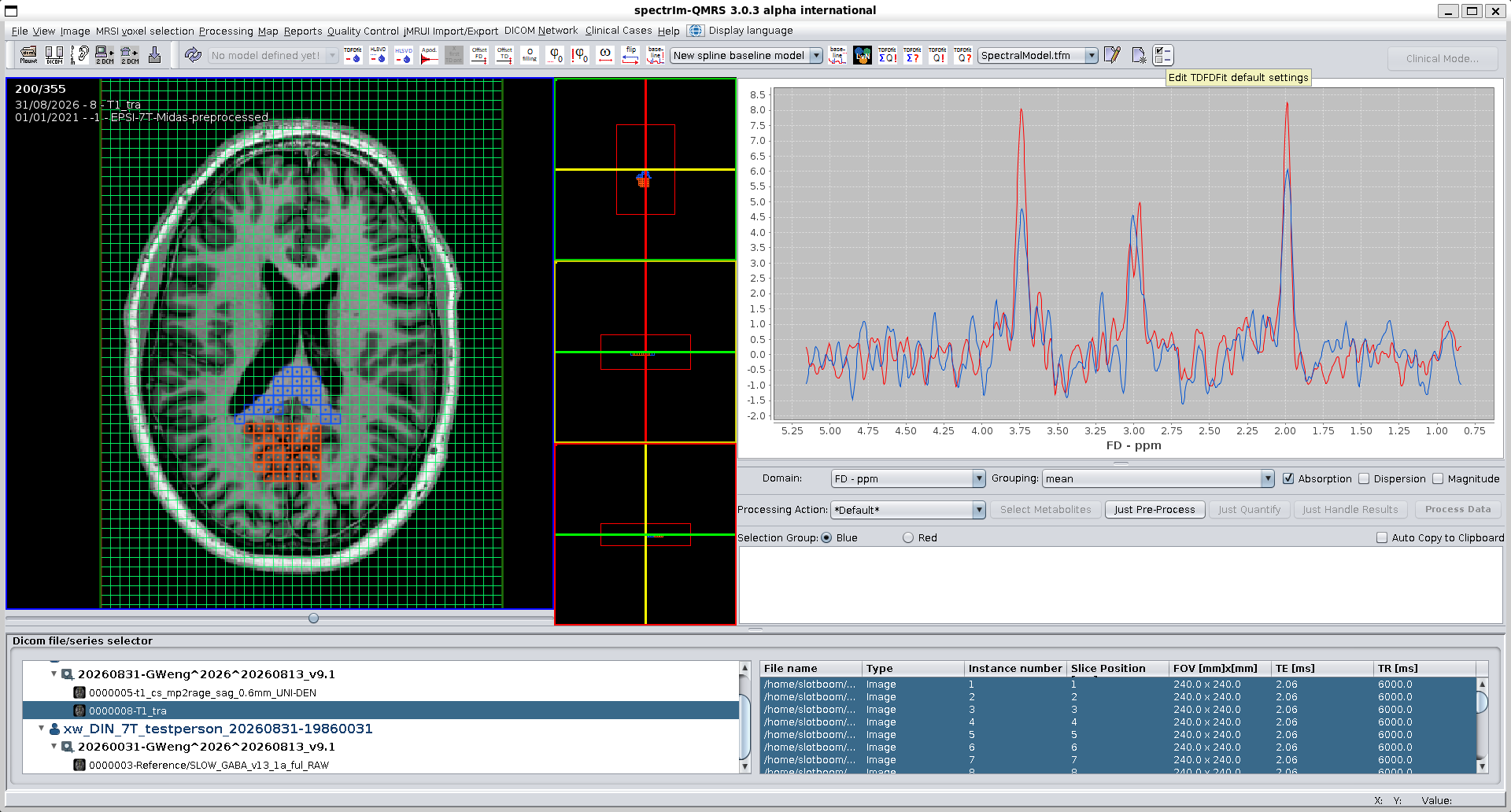
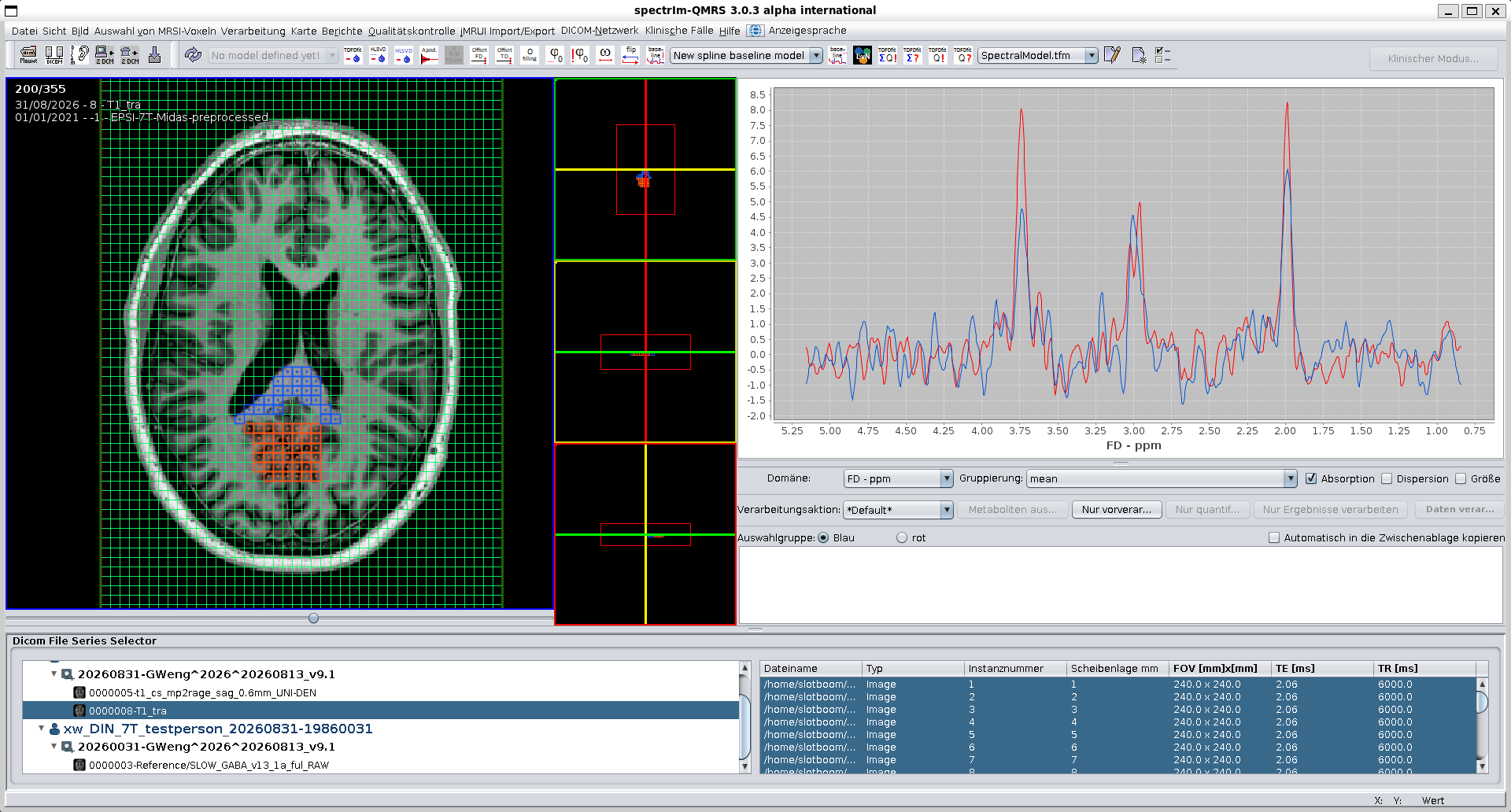
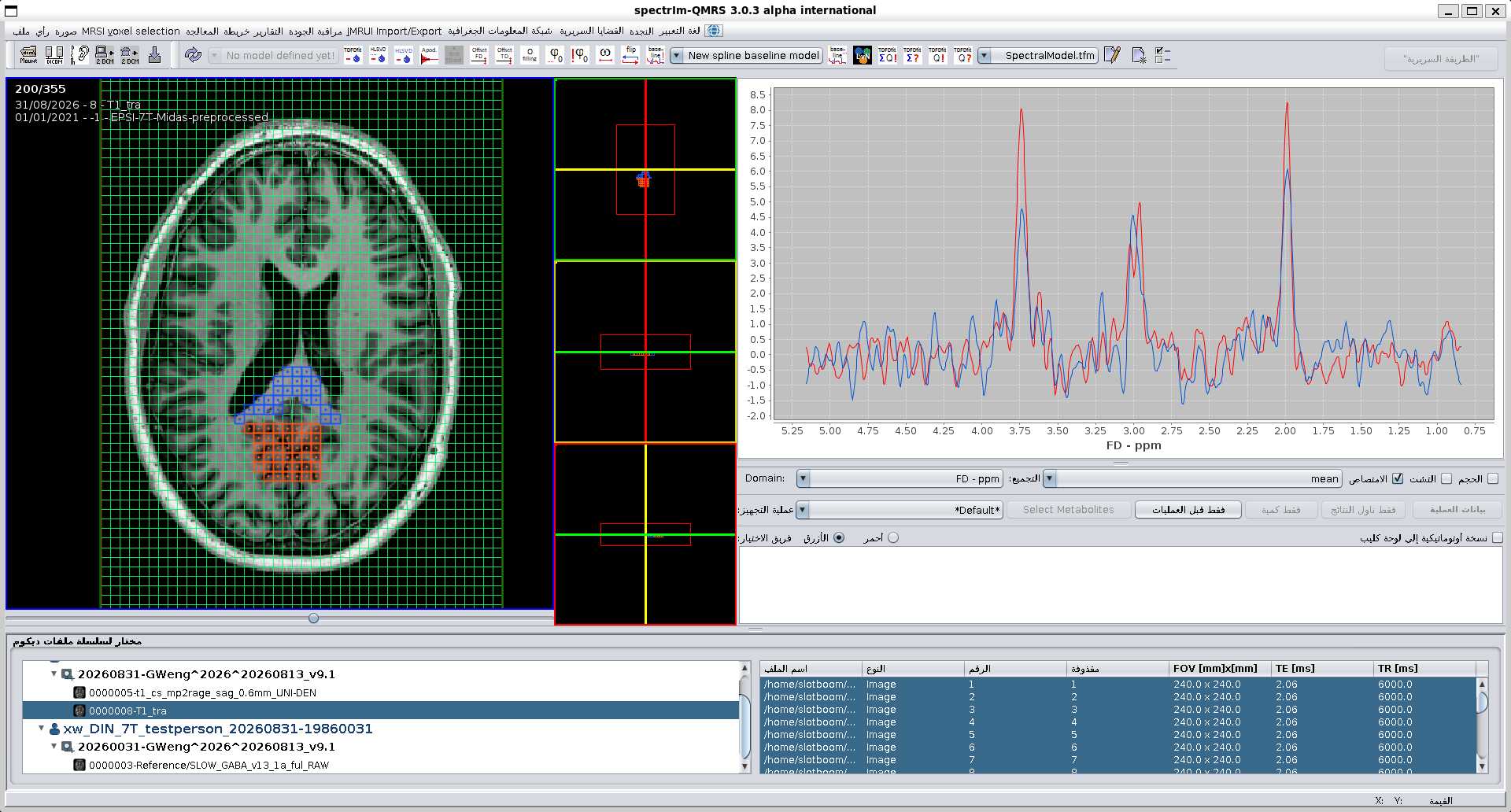
The Clinical Viewer in spectrIm-QMRS 3.0.3 alpha international on Linux, shown in English, German and Standard Arabic.
Included, ready to use
The complete package includes the application, a platform-specific Java runtime, Python 3.12 with NumPy and SciPy, and the native ILV simulator and pthreads TDFDFit engine. You do not need to install Java or Python separately for these bundled workflows. Keep the runtime, bin, dist, lib and other supplied folders together; do not launch an isolated JAR or replace the bundled numerical libraries.
Alpha release notice
3.0.4 alpha international is still an alpha version. Although thoroughly tested in our workflows on Windows 11 and Ubuntu 22.04 under WSLg, it may contain bugs. Back up existing data, models and settings before upgrading, and verify processing results. Testing does not imply that every configuration or workflow is bug-free.
See the 3.0.4 release notes and major fixes, Clinical Viewer guide and example datasets.
Existing users
Extract this release into a new folder rather than overwriting an older installation. Your working data and settings may live outside the application folder; keep them backed up. Users upgrading from v2 should preserve and rename the old .SpectrImClinicalBoot directory, for example to .SpectrImClinicalBoot_v2_backup, before starting v3.
Previous releases: 3.0.3 alpha international (Windows and Linux), 3.0.2 alpha international, 3.0.1 alpha, and the older release archive.